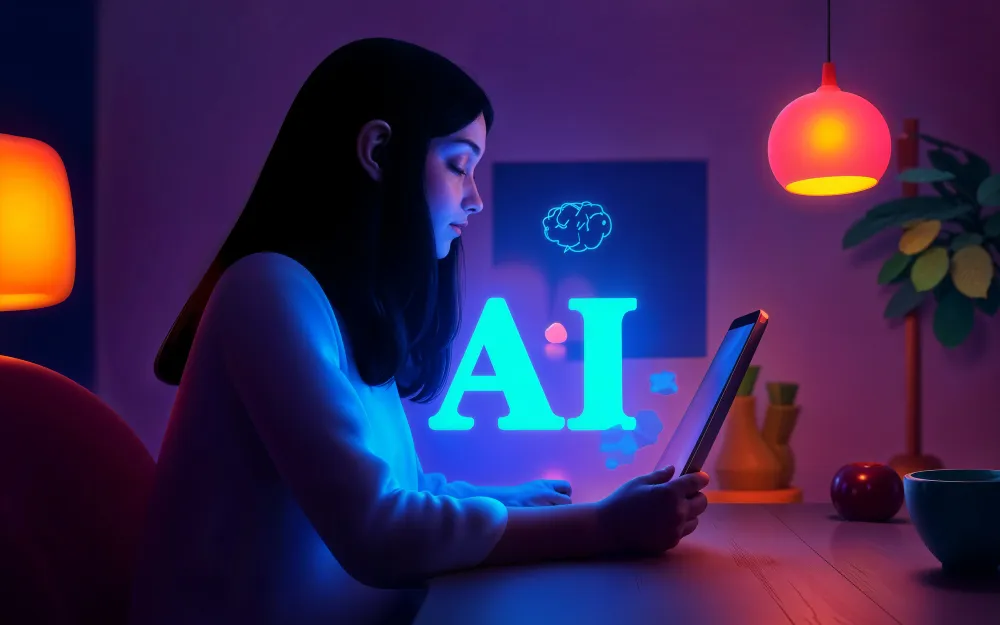
Designing a poster used to be a labor-intensive process reserved for those with a keen eye for composition and hours to spare in complex software. AI is no longer just a novelty; it is a practical assistant that automates the tedious parts of design, allowing creators to focus on the message rather than the mechanics. So, here are some AI features you should utilize to streamline your poster designing workflow.
Use AI background removers
One of the most transformative features for non-designers is the AI background remover. Historically, isolating a person or product from a photo required the pen tool and immense patience to trace around every strand of hair or jagged edge. If you did it poorly, the result looked cheap and amateurish.
AI background removers now automate this process in seconds. detecting the focal point of an image and distinguishing it from the background, these tools allow you to create clean, transparent cutouts instantly.
Generate visuals with AI image generators
Finding the perfect stock photo is often the biggest bottleneck in the design process. You might have a specific concept in mind, but scrolling through stock libraries yields nothing but generic, unrelated results.
AI image generators solve this by allowing you to conjure specific visuals from a simple text prompt.Instead of settling for a close enough stock photo, you can describe exactly what you need and have the AI generate a unique, copyright-free image that matches your theme perfectly. This feature allows unlimited creative exploration, ensuring your poster features imagery that is distinct and tailored solely to your campaign.
Refine your message with AI text assistants
A great poster is a marriage of visuals and text.However, even the best designers often struggle with copywriting. You might have the visual layout down, but if your headline is weak or your event details are wordy, the poster will fail to convert.
AI Writer tools and caption generators can act as your copy editor. These tools can take a basic premise and expand it into punchy, persuasive marketing copy. They can suggest catchy headlines, rewrite longer descriptions to be more concise, and even generate subtitles for digital versions of your poster. By ensuring your text is as polished as your graphics, these tools help you communicate your message clearly without the writer’s block.
Ensure consistency with AI color and branding
Nothing ruins a poster faster than a clashing color scheme. Furthermore, maintaining brand consistency across a series of posters is difficult when you are eyeballing hex codes.AI color palette generators streamline this by automatically suggesting coherent schemes. Some advanced tools can analyze an uploaded image and pull a complementary color palette directly from it, ensuring your text and background match the photography perfectly.
Additionally, AI branding assistants can automatically apply your specific brand kit to any template, ensuring that every poster you export aligns strictly with your corporate identity without manual checking.
Optimize composition with AI layout suggestions
The blank canvas paralysis is real. Deciding where to place the headline, the image, and the call-to-action is often where the design process stalls. AI layout generators can analyze the elements you have chosen and propose multiple design variations instantly.
These tools understand visual hierarchy and balance. They can shuffle your assets around to show you a version where the image is dominant, another where the text leads, and another that is minimalist. This allows you to rapid-prototype different looks without manually dragging and resizing every layer. It acts as a safety net, ensuring that your alignment is perfect and your margins are consistent, effectively tidying up your design before you finalize it.
Make your video engaging with AI voiceovers
In the era of digital signage and social media, a static poster is often just the starting point. Many platforms now support motion posters or short video flyers. Adding audio to these designs can increase engagement rates significantly, but recording professional audio is expensive and difficult.
AI voiceover tools allow you to add a sonic dimension to your digital posters.You can type your event details or sales script, select a voice that matches your brand’s persona and generate a studio-quality voiceover in seconds. This turns a standard image into a multimedia experience. When it comes to social media stories or digital lobby displays, an AI voiceover can read the key details aloud, capturing the attention of users who might be listening rather than looking, and adding a layer of professional polish that static images simply cannot match.
If you integrate these AI features into your workflow, you move from struggling with pixels to managing a creative vision. The right tools make the design process faster, and also make high-end, professional aesthetics accessible to everyone.